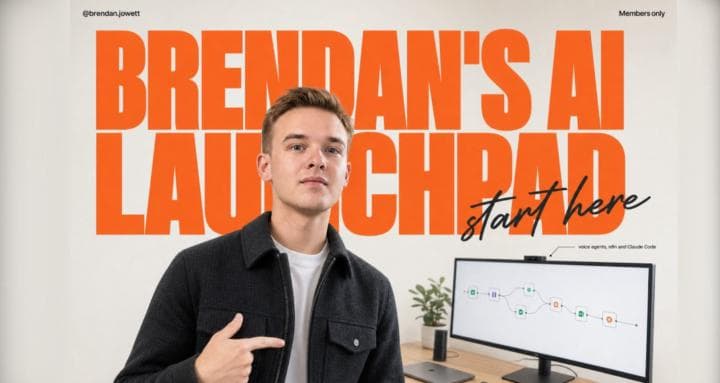
Brendan Jowett – AI Launchpad (AI Automation & n8n)
Explore Brendan Jowett – AI Launchpad (AI Automation & n8n), covering Claude Code, AI voice agent development, n8n templates, and AI agency foundations.
$9.99
Explore Ariel Tolome’s 25-lesson course on creative strategy, desktop AI setup, prompt briefs, and video generation workflows for affiliate marketing.
Ariel Tolome – High-Converting AI Videos for Affiliate Marketing is a self-paced video course built around a specific premise: prompting AI for video works better when you decide what the video needs to say before configuring generation prompts. Across 25 edited video lessons—totaling roughly 1 hour and 41 minutes of teaching—plus two downloadable resource pages, instructor Ariel Tolome walks creators and affiliate marketers through desktop tool setup, audience-focused creative strategy, video generation, and brief-based review.
Rather than treating prompting as a fill-in-the-blank template exercise, the curriculum separates technical preparation, creative decision-making, and video production into distinct stages. After a single introductory lesson outlining the roadmap, the training progresses through five phases.
Alongside the recorded lessons, the course includes two download pages containing structured reference and practice assets rather than extra videos. A central piece is the 18-page student practice workbook—supplied in both fillable and print-ready PDF versions—containing 13 individual exercises designed to carry a single product or offer from audience definition to a finished brief.
To support self-study, the materials also include a 3-page worked example and answer guide built around a fictional practice case, a 42-page course reference workbook with lesson-by-lesson reference sheets, an ad creative reference sheet, English captions, lesson transcripts, and the downloadable Copyfirst and Omni Flash skill packages used during Phase 3.
Tolome notes that he adapted his everyday terminal-based setup into a desktop workflow so learners do not need a developer background to follow along. Even so, Phase 1 requires hands-on configuration of desktop projects, plugins, provider accounts, API keys, and permissions. Several setup lessons also conclude before a full generation test, meaning learners should set aside extra time beyond the 1 hour and 41 minutes of watch time to verify their own account settings.
Prospective students should also weigh three practical boundaries highlighted in the course documentation:
This course fits creators and affiliate marketers who want to make deliberate choices about audience awareness, hooks, and visual storytelling before generating AI footage, and who learn well by pairing concise walkthroughs with structured workbook exercises. Conversely, learners seeking a done-for-you video service, fully automated bulk output, or weekly live feedback will likely find the scope misaligned with their goals. Before starting, verify the current pricing, credit requirements, and permission policies for Higgsfield, Kie.ai, the Gemini API, and your preferred desktop AI assistant.
No reviews yet.
According to the course outline, you do not need to arrive as a developer or replicate the instructor’s terminal-based workflow. However, Phase 1 involves configuring a desktop AI app, plugins, provider accounts, permissions, CLI/plugin options, and API keys, and some setup lessons end before a completed generation test, so you should expect to do some account-specific troubleshooting.
The instructor notes that the creative strategy principles apply to assistants such as ChatGPT or Claude. Because the recorded walkthroughs demonstrate a specific desktop environment, exact menus, plugins, and connections may differ depending on the application, version, and plan you use.
No. Third-party AI subscriptions, optional voice dictation tools such as Wispr Flow, video-provider credits for Higgsfield or Kie.ai, and Gemini API usage are separate from the course and depend on the providers you choose to use.
No. Phase 4 is a single lesson introducing how to plan a scheduled, repeatable video-production workflow across research, analysis, creation, and delivery. The source description explicitly notes that the recorded demonstration still has permissions to resolve and is workflow planning rather than a finished, hands-off automation system.
Explore Brendan Jowett – AI Launchpad (AI Automation & n8n), covering Claude Code, AI voice agent development, n8n templates, and AI agency foundations.
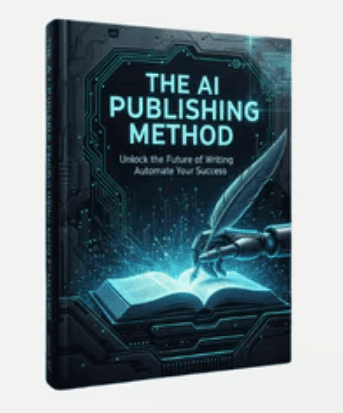
Explore Sam – The AI Offer Publishing Method + OTO, a five-module outline on search-driven niche research, AI-assisted content workflows, SEO, and scaling.
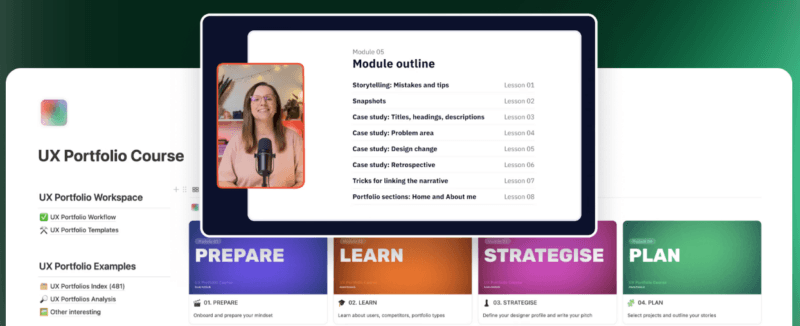
Overview of Aneta Kmiecik – Portfolio Bundle, pairing a UX portfolio storytelling course on NDA and conceptual work with the Storyline Framer template.